View Page Source + Smart Analysis
Inspect full HTML source code in your browser with SEO audit, technology detection, and performance metrics.
See the HTML behind any web page right on your phone - no app, no computer. Paste a URL below for formatted, syntax-highlighted source, or follow the iPhone and Android step-by-steps further down.
Mobile browsers hide the source - this tool (and the steps below) bring it back.
On a desktop, viewing a page's HTML is one keyboard shortcut away. On a phone it is not: iPhone Safari has no "view source" and blocks view-source: URLs entirely, while Chrome on Android does support view-source: but shows the raw HTML crammed onto one long, unreadable line.
The tool at the top of this page works on any phone or tablet. It fetches the page on our server and returns the HTML formatted and syntax-highlighted, so it is easy to read on a small screen - no app to install and no computer needed. Below are the native methods for each platform, plus when to reach for the tool instead.
iOS has no native view-source, so a web tool is the simplest route.
Note: typing view-source: before a URL does not work in iOS Safari - it just searches for the text. The tool above is the reliable option on iPhone.
Chrome for Android has a built-in method - plus an easier, formatted alternative.
view-source: immediately before the URL, e.g. view-source:https://example.com, then go. Chrome displays the page’s raw HTML.chrome://inspect in desktop Chrome over USB.What you get over Chrome’s raw view-source: - and what iPhone can’t do natively at all.
view-source: is blockedWant the same formatted view on a laptop, or a dedicated formatter? Try the HTML Viewer, or read how to view source in every desktop and mobile browser.
Common questions about viewing HTML source on mobile.
iOS Safari has no built-in 'view source', and view-source: URLs do not work on iPhone. The easiest way is a web tool like this one - open this page, paste the URL, and tap View Source. You can also use a bookmarklet, or connect the iPhone to a Mac and use Safari's Web Inspector.
In Chrome for Android, type view-source: before the address in the URL bar, for example view-source:https://example.com. Chrome shows the raw HTML. It is unformatted, so for readable, syntax-highlighted output use the tool at the top of this page.
On Chrome for Android, yes. On iPhone Safari, no - it is blocked. This tool works on both, and on any other mobile browser, because the page is fetched by our server rather than the browser.
No. This is a web tool - open it in any mobile browser and paste a URL. There is nothing to download or install.
Yes. Paste the URL on your phone and you get the formatted HTML source instantly, without needing a desktop or laptop.
Native view-source: shows the raw HTML, often minified onto one long line that is painful to read on a small screen. This tool pretty-prints and syntax-highlights the markup so it is readable on a phone.
Yes. Use Copy to put the HTML on your clipboard, or Download to save it as an .html file on your device.
No. It shows the raw HTML the server returns, before client-side JavaScript runs - the same starting point a search engine sees. To inspect the live, script-modified DOM you need desktop DevTools or remote debugging.
Dive deeper into web content, source code, and SEO with these resources.

Inspect full HTML source code in your browser with SEO audit, technology detection, and performance metrics.

Want to keep a copy? Save any public page's full HTML source as a downloadable file.

How HTML structure affects search rankings - and what to check when auditing a page.

A beginner-friendly tour of HTML structure, tags, and how to make sense of any page's markup.
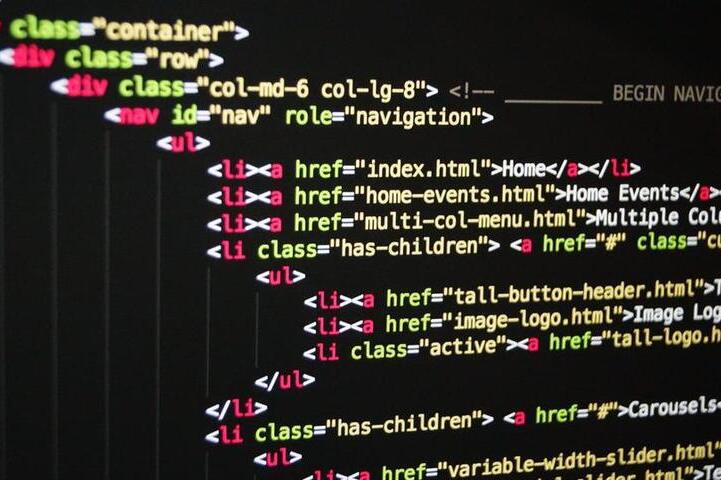
Complete index of HTML5 tags with descriptions - useful when inspecting extracted or raw markup.

A guide to the best free and paid code editors and IDEs for working with HTML, CSS, and JavaScript.